 |
 |
|||
|
|
|||
 |
Rod Cleasby | 3DS Max: Lighting and Materials | discover the truth ... |  |
||
 |
|
 |
||||
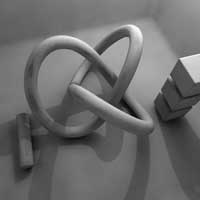
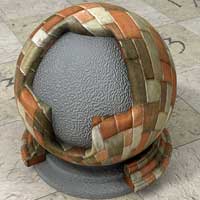
Intermediate: Lighting and Materials 2 days You may have used Max for some time but crave better images. Somehow your renders just don’t match up to some published images. Well, the default settings you’ve been using are only the beginning and you will be amazed (and relieved) to discover how to adjust lights and materials to improve your Max renders. . |
|
Location. The great advantage of one to one training is that training can be at either your location or ours. We can travel to anywhere in Europe for your convenience, arrange training rooms in London or you can come here to CUK in Oxfordshire. Your Choice: |
||||
|
Design and Illustration Skills |  |
+44 (0)7775 750861 | |
 |
 |
 |
||
Illustration, Design, Games, Photography, Visuals, Animation, Modelling, Art, Mixed Media & Life.